
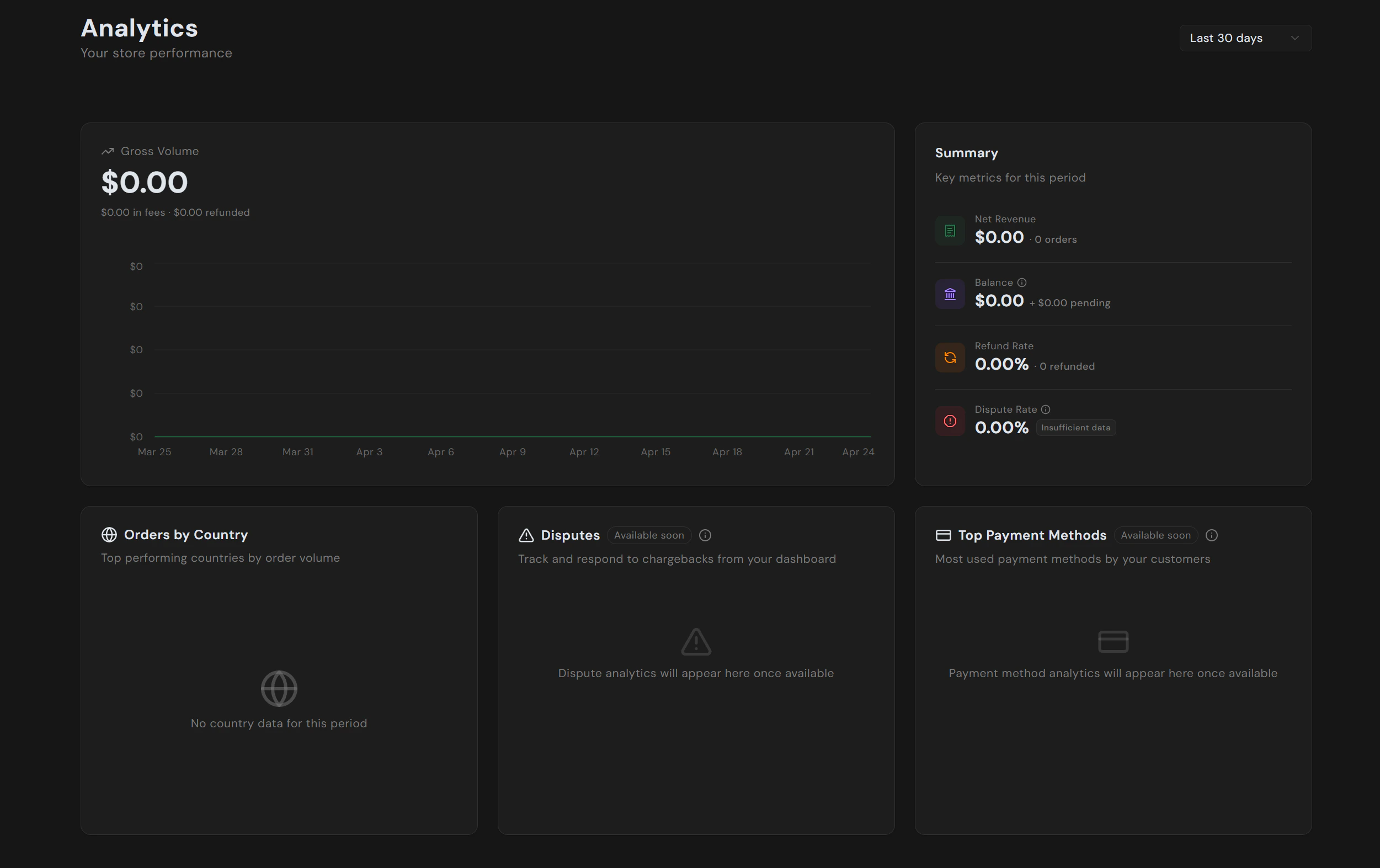
Gross volume
The headline chart plots gross volume over the selected period, with fees and refunds called out underneath. This is total payment volume processed, before any deductions.Summary
The summary card on the right shows the key health metrics for the period:| Metric | What it measures |
|---|---|
| Net Revenue | Gross volume minus fees and refunds, alongside total order count. |
| Balance | Currently available balance plus the amount still in the pending window. |
| Refund Rate | Refunded amount as a percentage of gross volume, with refund count. |
| Dispute Rate | Disputed amount as a percentage of gross volume. Shows “insufficient data” until you have enough volume for the rate to be meaningful. |
Orders by country
Top countries by order volume for the period. Useful for spotting where demand is growing and where local payment methods or currency presentment might be worth enabling.Coming soon
The following cards are placeholders today and will populate automatically once released:- Disputes. Track and respond to chargebacks directly from the dashboard.
- Top Payment Methods. See which methods (card, Apple Pay, Google Pay, local methods) your customers actually use.