
Start selling
Create your account, set up a store, and accept payments.
You must be at least 18 years old, wherever you live, and register and verify your merchant account using your own identity and ID. Using someone else's ID, including a parent's, violates our age and identity requirements, even with their permission.
Create your account
Sign up at merchant.pandabase.io with your email. We'll send you a magic link to verify your account.
Complete onboarding
Click the magic link and finish your profile (username, first and last name, phone number, country), then accept our legal policies.
Launch your store
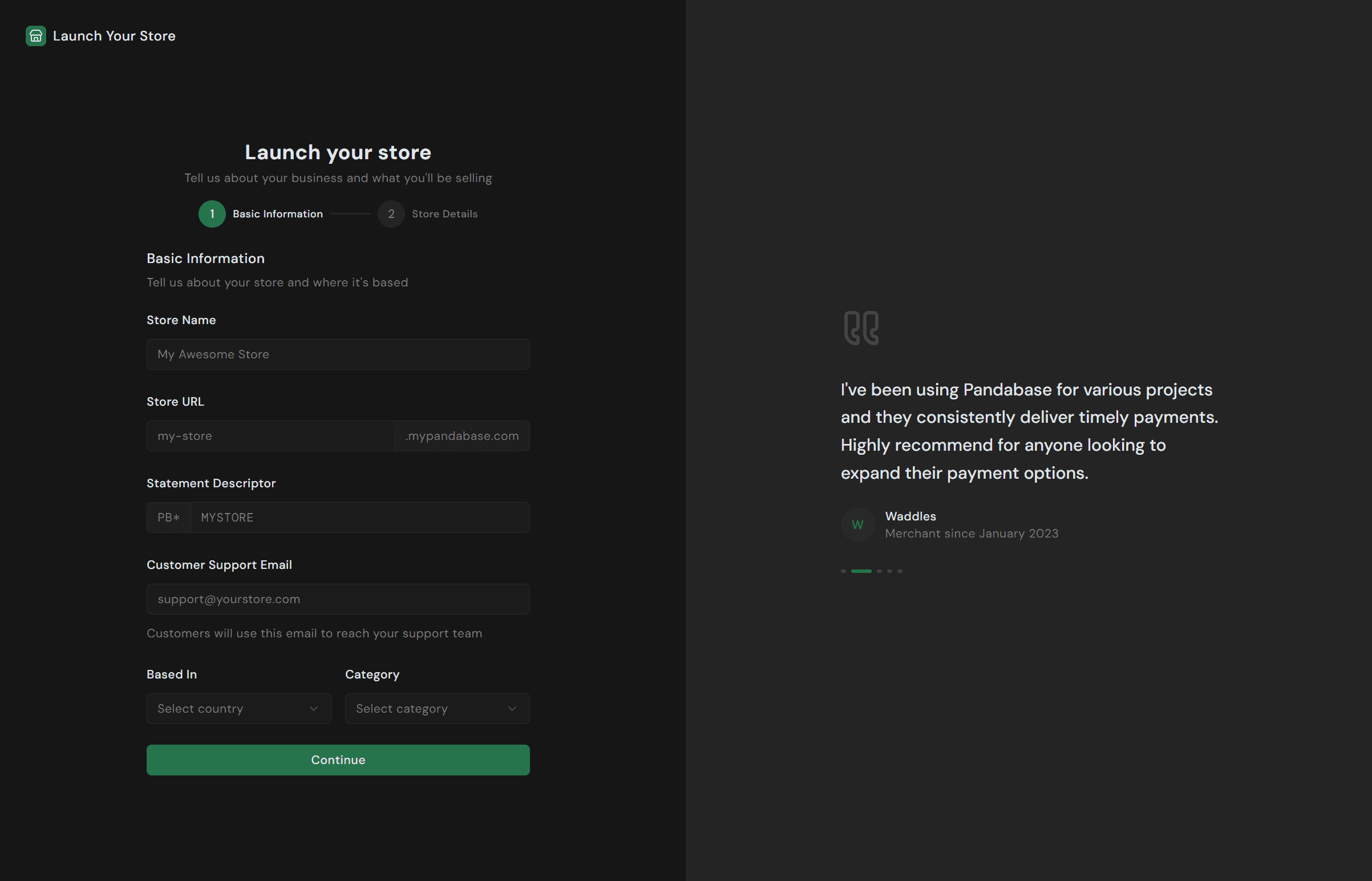
Tell us about your store: name, URL, statement descriptor, support email, country of operation, category, description, and what you're selling. Your storefront goes live as soon as you submit.
| Country | Region |
|---|---|
| 🇨🇦 Canada | Americas |
| 🇺🇸 United States | Americas |
| 🇦🇹 Austria | Europe |
| 🇧🇪 Belgium | Europe |
| 🇭🇷 Croatia | Europe |
| 🇨🇾 Cyprus | Europe |
| 🇨🇿 Czech Republic | Europe |
| 🇩🇰 Denmark | Europe |
| 🇪🇪 Estonia | Europe |
| 🇫🇮 Finland | Europe |
| 🇫🇷 France | Europe |
| 🇩🇪 Germany | Europe |
| 🇬🇧 Great Britain | Europe |
| 🇬🇷 Greece | Europe |
| 🇭🇺 Hungary | Europe |
| 🇮🇪 Ireland | Europe |
| 🇮🇹 Italy | Europe |
| 🇱🇻 Latvia | Europe |
| 🇱🇹 Lithuania | Europe |
| 🇱🇺 Luxembourg | Europe |
| 🇲🇹 Malta | Europe |
| 🇳🇱 Netherlands | Europe |
| 🇳🇴 Norway | Europe |
| 🇵🇱 Poland | Europe |
| 🇵🇹 Portugal | Europe |
| 🇷🇴 Romania | Europe |
| 🇸🇰 Slovakia | Europe |
| 🇸🇮 Slovenia | Europe |
| 🇪🇸 Spain | Europe |
| 🇸🇪 Sweden | Europe |
| 🇨🇭 Switzerland | Europe |
| 🇹🇷 Turkiye | Europe |
| 🇦🇺 Australia | Asia-Pacific |
| 🇭🇰 Hong Kong | Asia-Pacific |
| 🇮🇳 India | Asia-Pacific |
| 🇳🇿 New Zealand | Asia-Pacific |
| 🇵🇭 Philippines | Asia-Pacific |
| 🇸🇬 Singapore | Asia-Pacific |
| 🇹🇼 Taiwan | Asia-Pacific |
| 🇹🇭 Thailand | Asia-Pacific |
| 🇮🇱 Israel | Middle East |
| 🇶🇦 Qatar | Middle East |
| 🇦🇪 United Arab Emirates | Middle East |
| 🇲🇦 Morocco | Africa |
Verify your identity
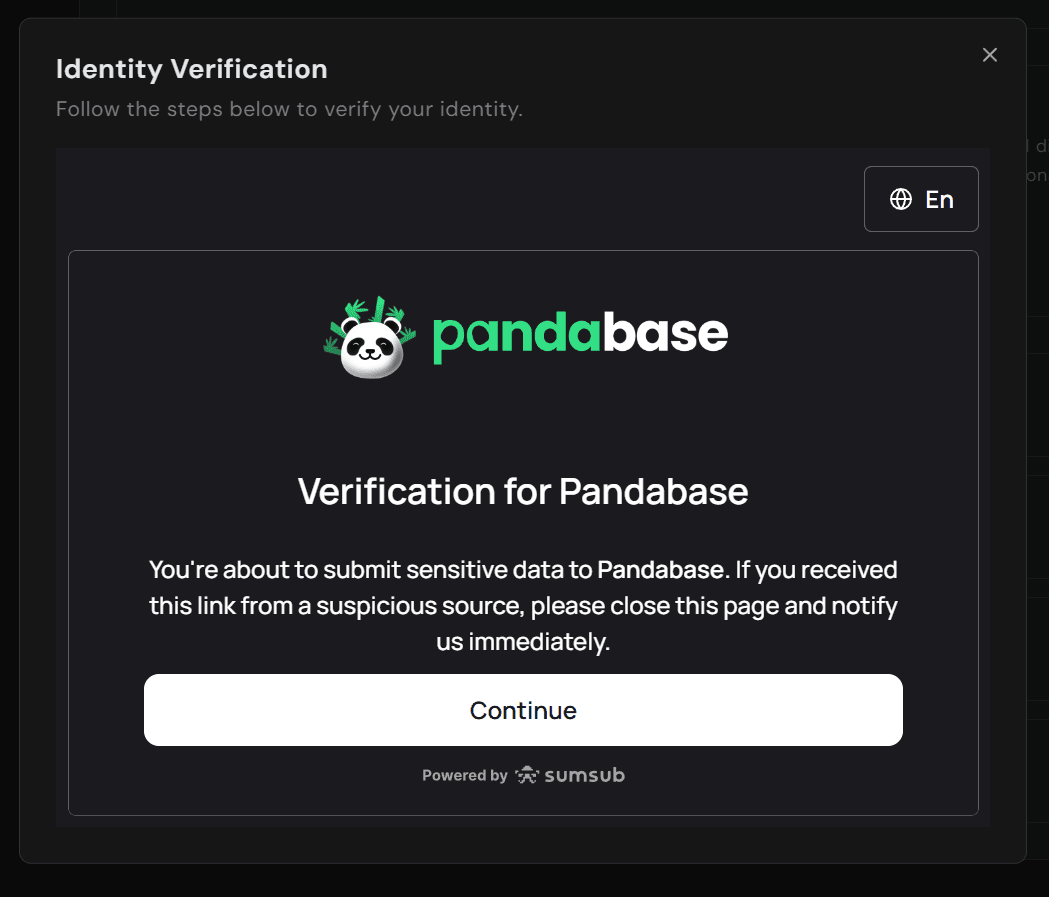
Submit your ID (handled by Sumsub; Pandabase never stores it) and verify your phone number with 2FA. You can start accepting payments immediately, but KYC is required before we release payouts.
Why do we need your ID?
Your ID lets us confirm who we're sending money to, as required by anti-money-laundering and know-your-customer (KYC) laws in every country we operate in (in the US, that's the Bank Secrecy Act and USA PATRIOT Act). We don't store your ID ourselves. It's processed by Sumsub, a third-party identity verification platform we use to combat fraud and stay compliant. It isn't shared or used beyond that.
Complete the store questionnaire
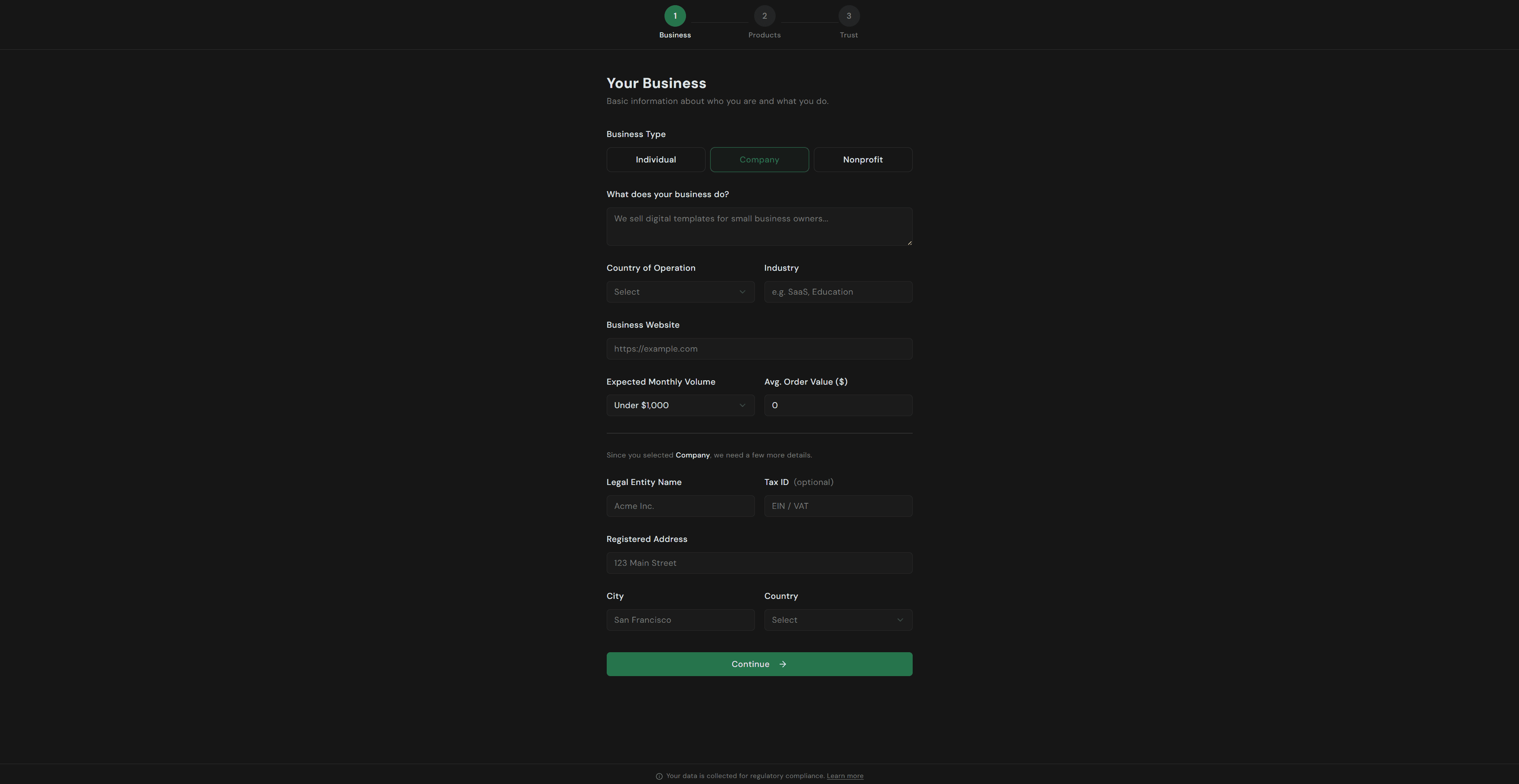
Open the questionnaire from the banner at the top of your dashboard and answer the questions about your business model.
Start accepting payments
Share your storefront link or integrate the Checkout API to take your first payment. We handle tax, disputes, and payouts automatically. Funds land in your bank account on your chosen schedule.