
Documentation Index
Fetch the complete documentation index at: https://docs.pandabase.io/llms.txt
Use this file to discover all available pages before exploring further.
Creating an account
Sign up with your email address. Pandabase uses magic link authentication — no passwords. Every time you log in, we send a one-time link to your email that expires after 10 minutes.Verification requirements
Before your store can accept payments, you need to complete these steps:Profile information
Add your first name, last name, and country. Your country determines which
payout methods are available.
Phone verification
Verify your phone number via SMS code. Your phone number’s country must
match your account country.
Account settings
Manage your profile, KYC documents, and security from Account Settings — accessed from the avatar menu in the dashboard.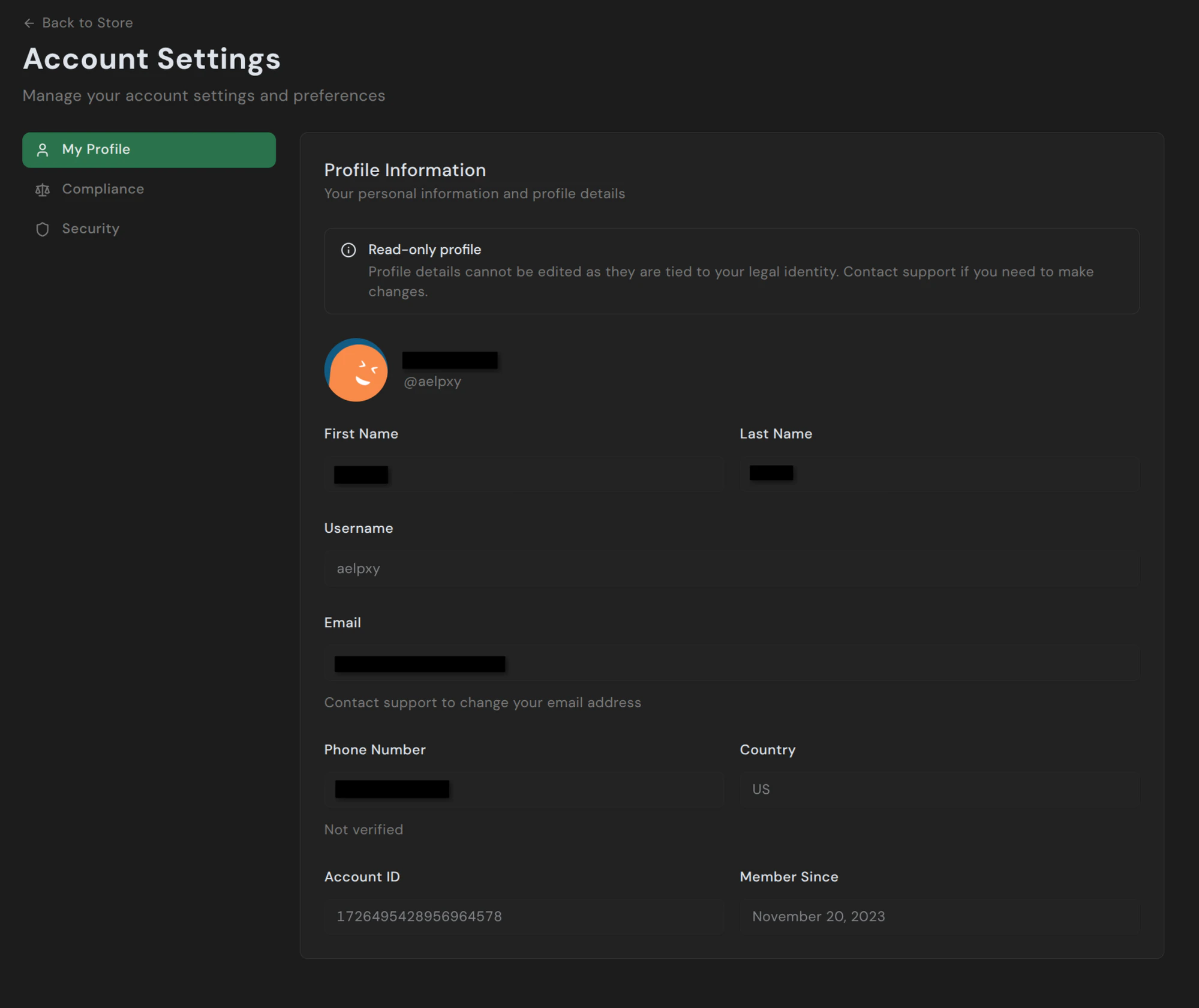
- My Profile — your legal name, username, email, phone number, country, and account ID. Most fields are read-only since they’re tied to your verified identity. Contact support if you need to change anything.
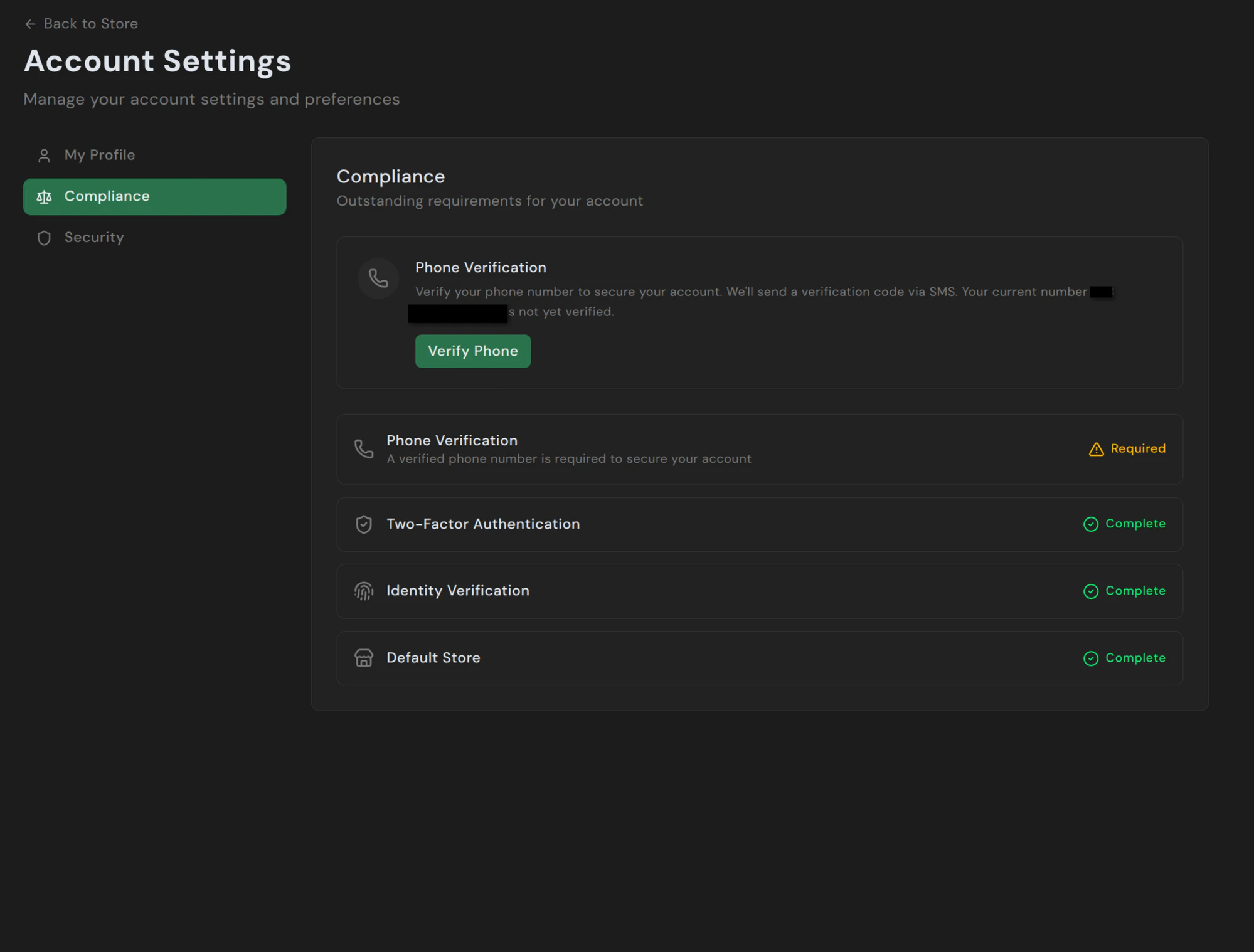
- Compliance — outstanding requirements, KYC documents on file, and current verification status.
- Security — 2FA setup, active sessions, and recent login activity.
Compliance
Security
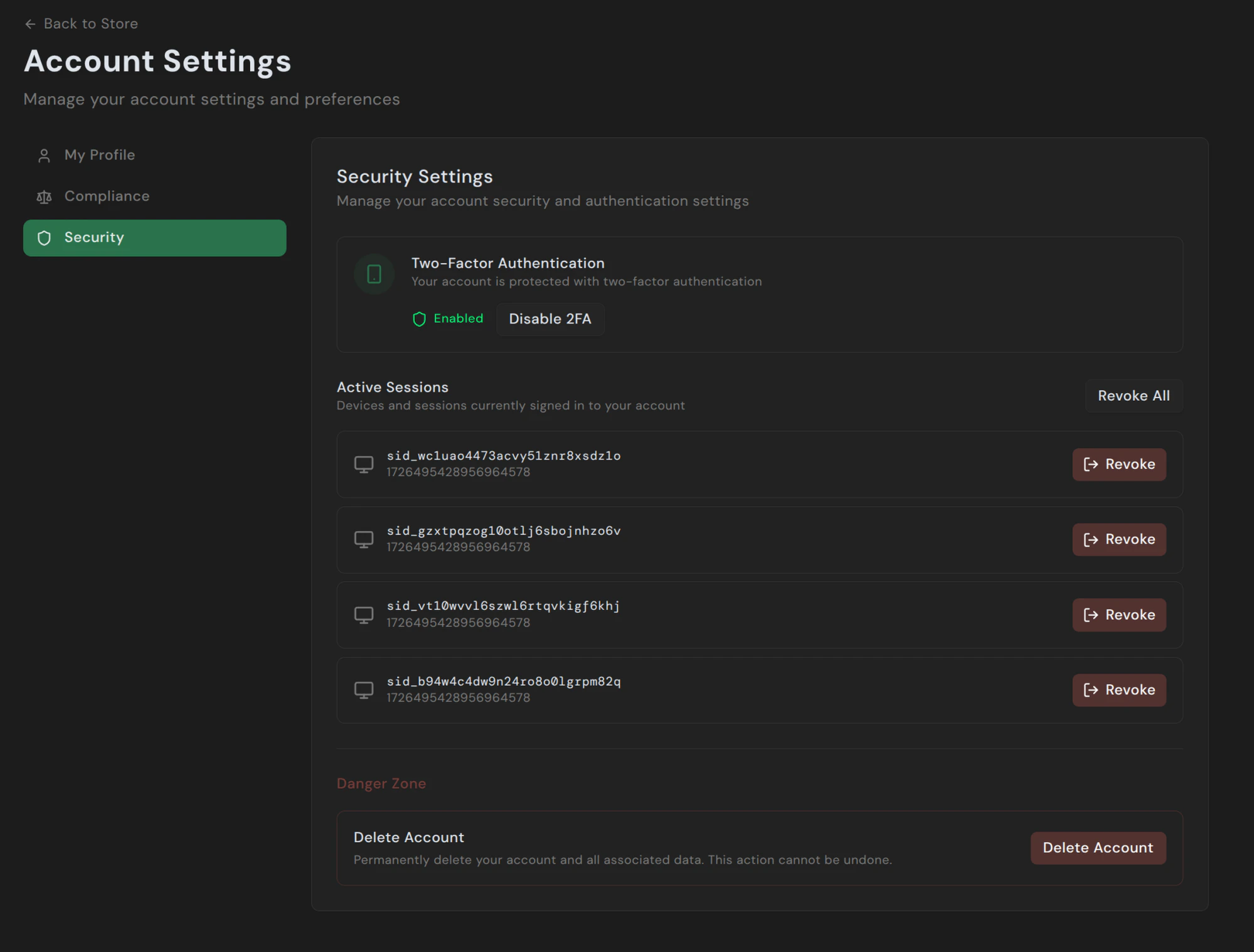
- Two-Factor Authentication — enable or disable TOTP-based 2FA.
- Active Sessions — every device currently signed in to your account. Click Revoke on any row to sign that session out immediately, or Revoke All to sign out everything except your current session.
- Delete Account — request account closure. Deletion isn’t a self-service action; clicking it shows a dialog directing you to email support@pandabase.io so we can confirm and process the removal manually.
Two-factor authentication
Add an extra layer of security with TOTP-based 2FA using any authenticator app (Google Authenticator, Authy, 1Password, etc.). When enabled, you’ll need to enter a 6-digit code from your authenticator app each time you log in.We strongly recommend enabling 2FA on all accounts, especially those with
active stores and balances.
Sessions
Each login creates a session tied to your device and IP address. You can view all active sessions and revoke any session from the dashboard. Sessions track:- Device type and operating system
- Browser
- IP address
- Last active time
Account limits
| Limit | Value |
|---|---|
| Stores per account | 10 |
| Team memberships | Unlimited |